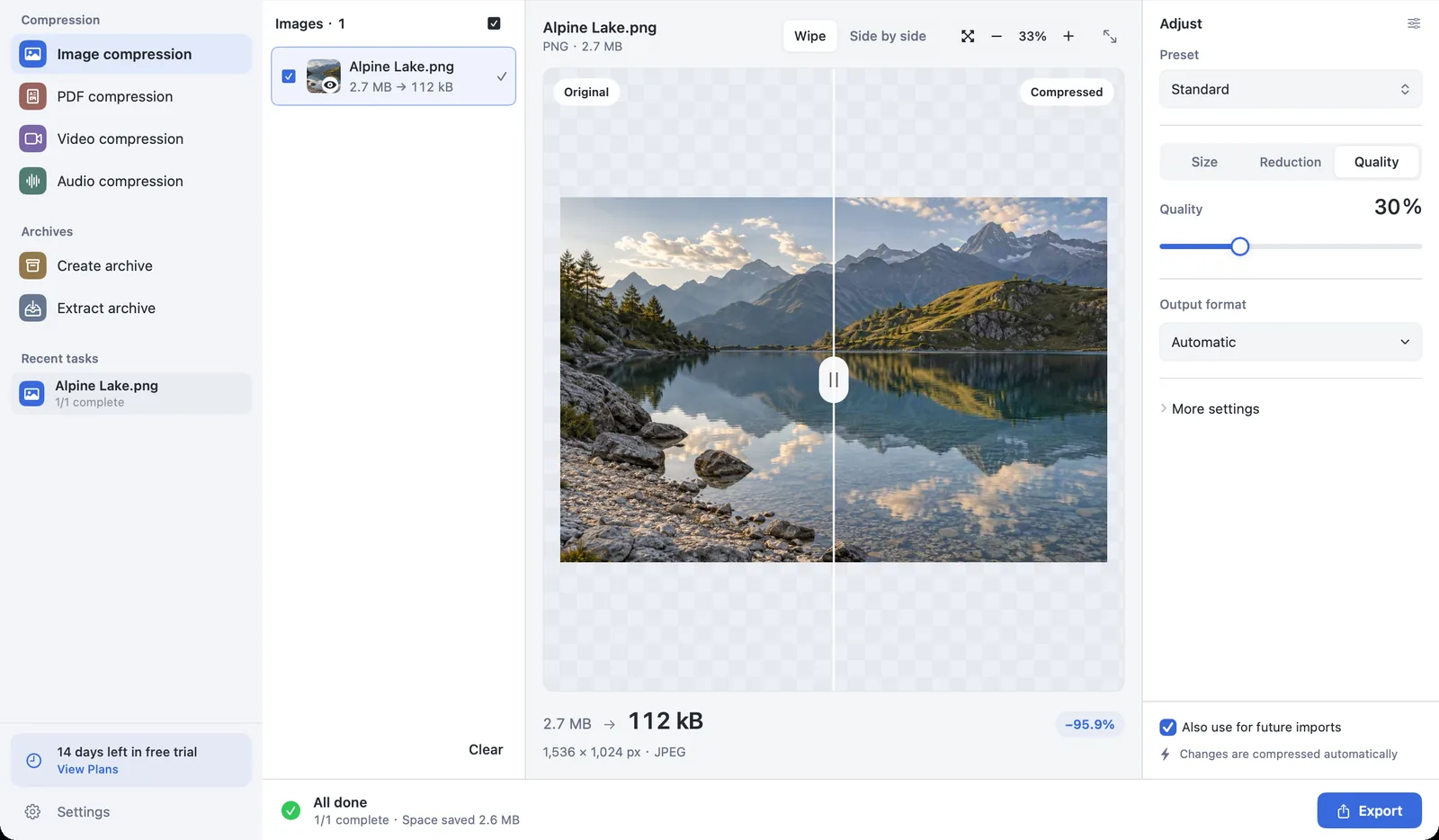
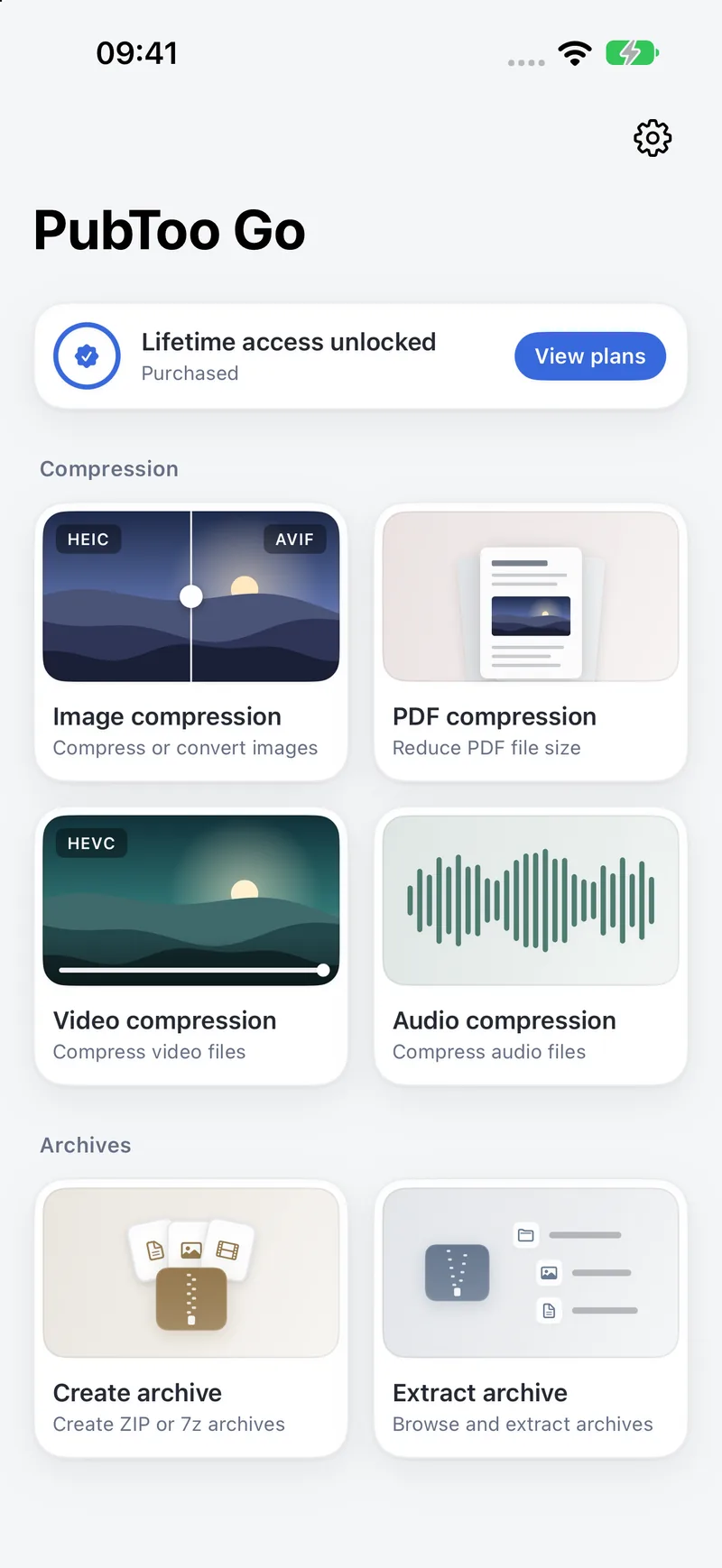
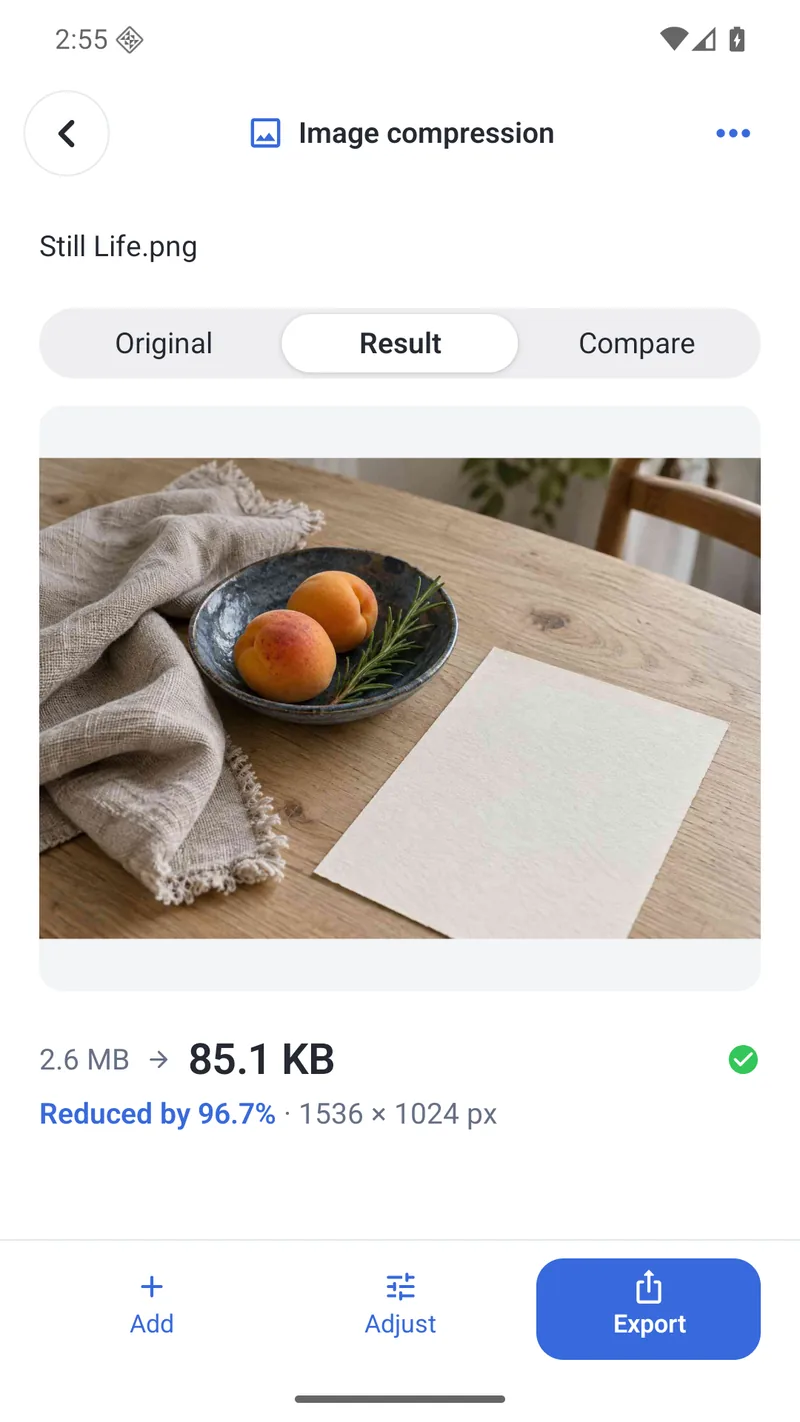
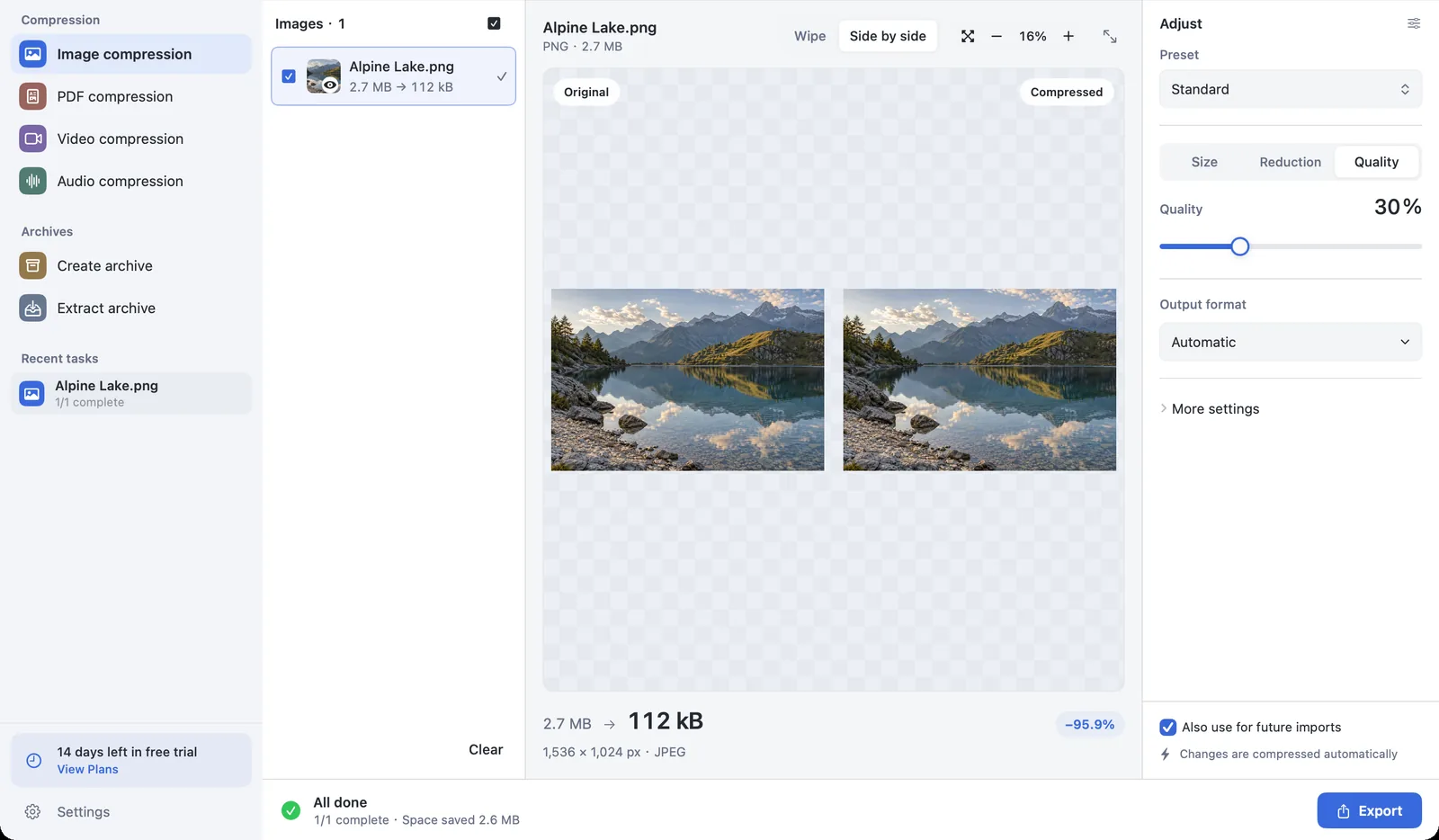
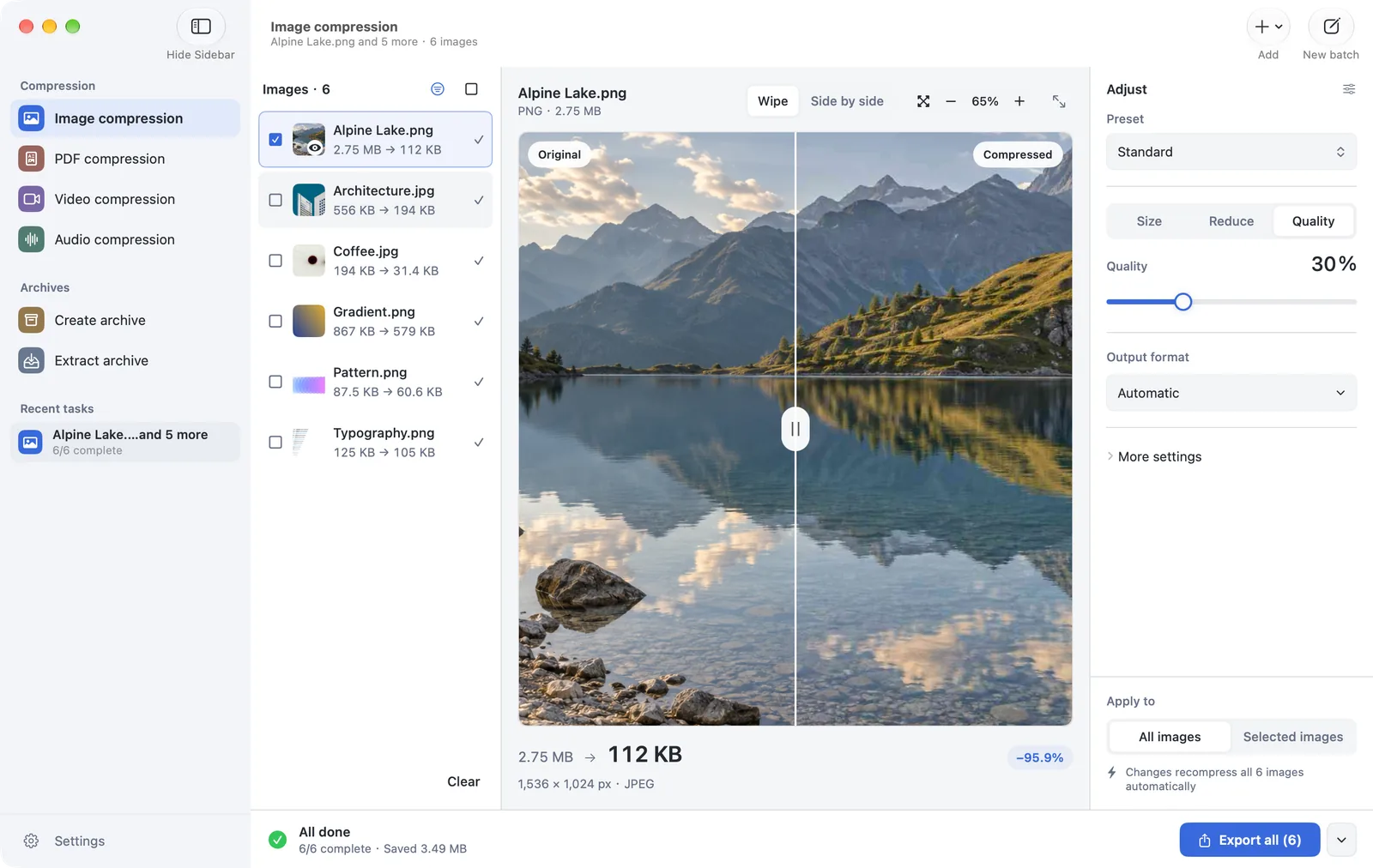
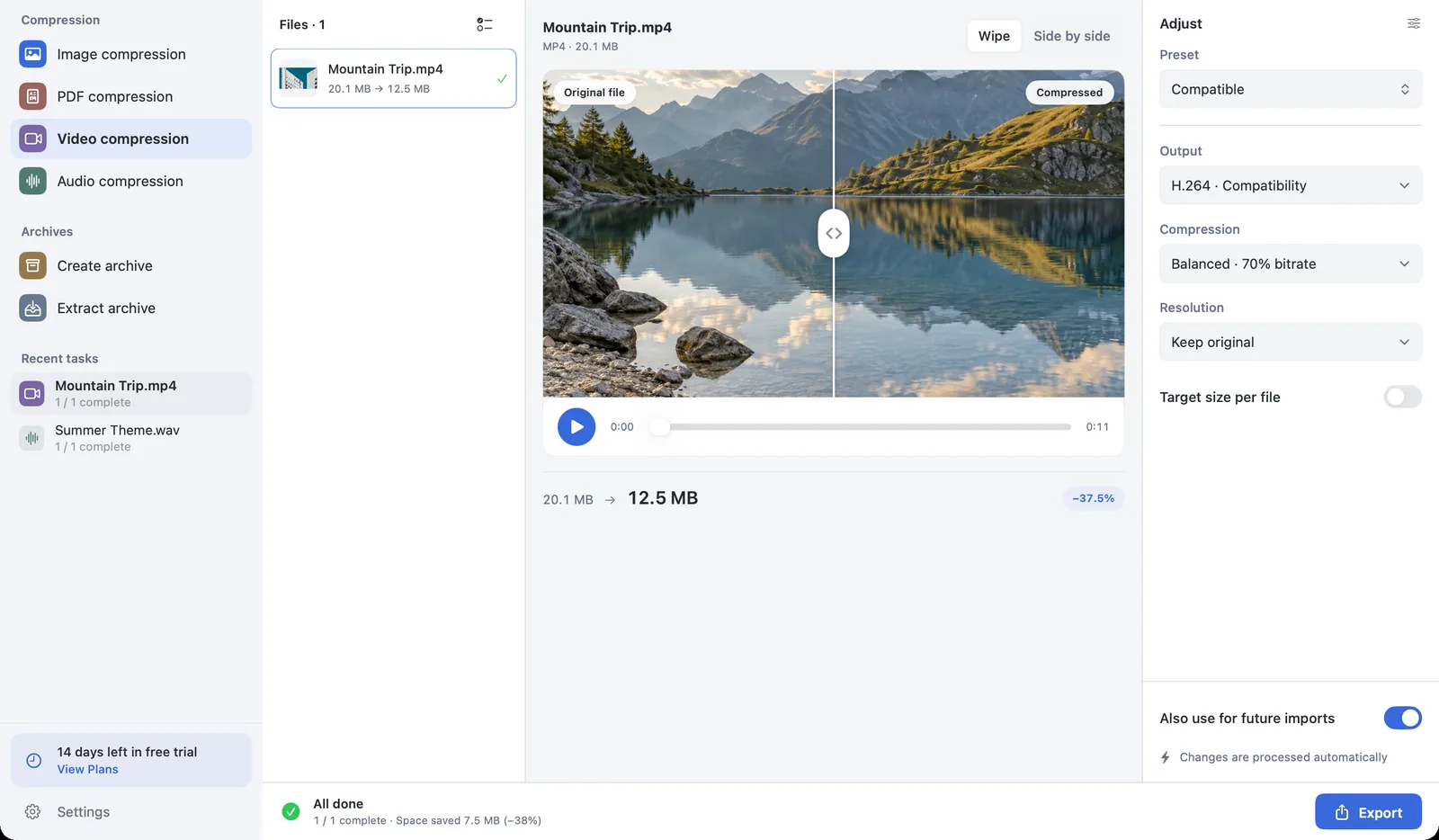
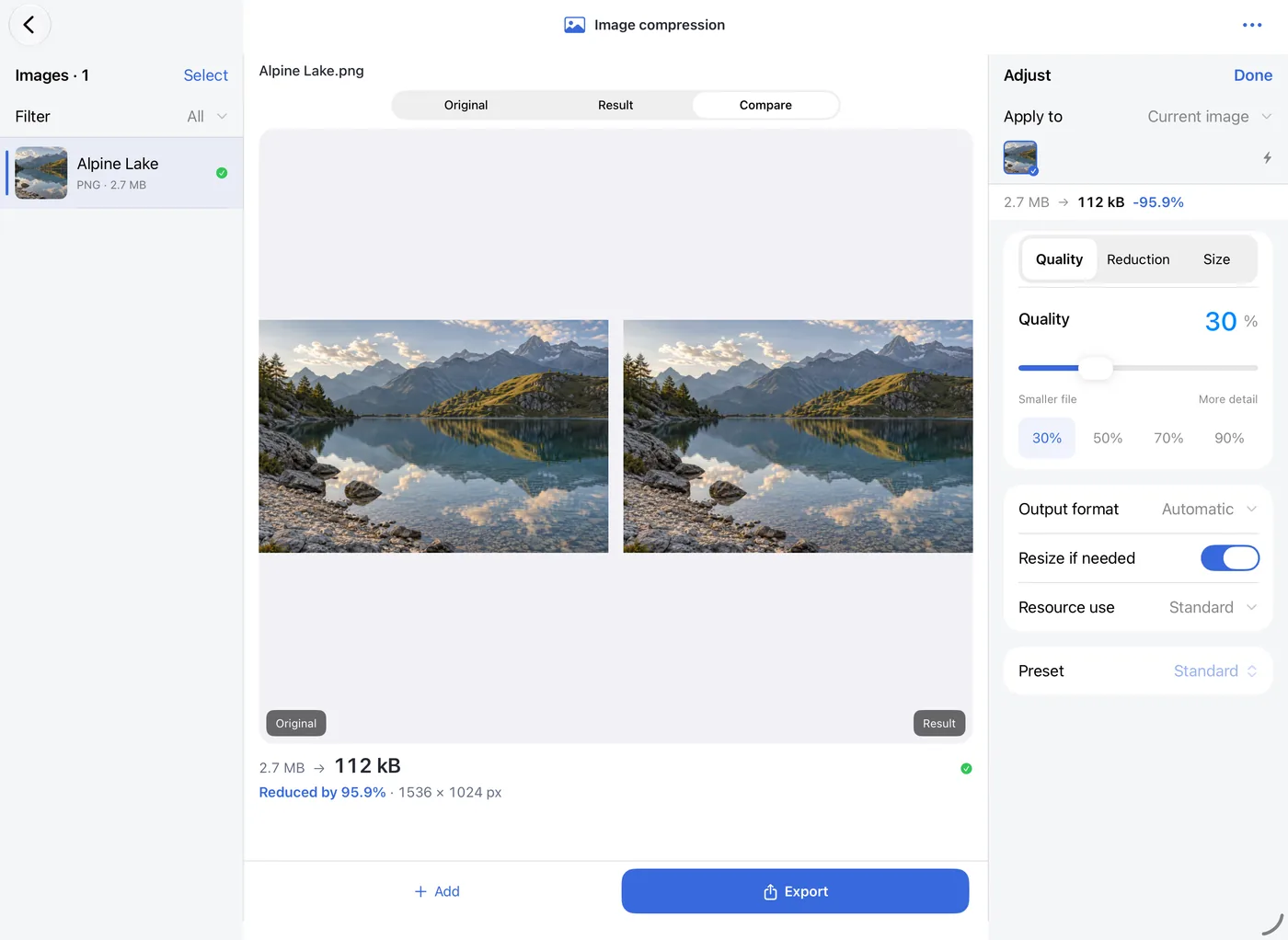
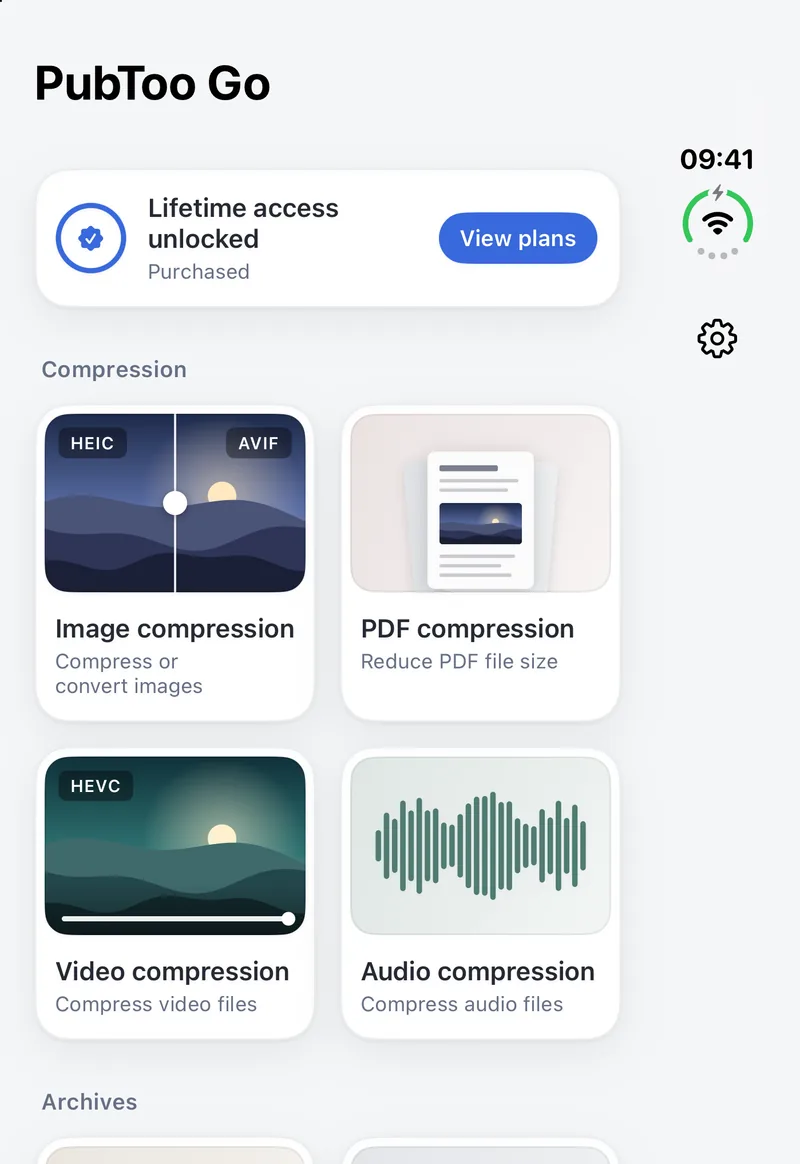
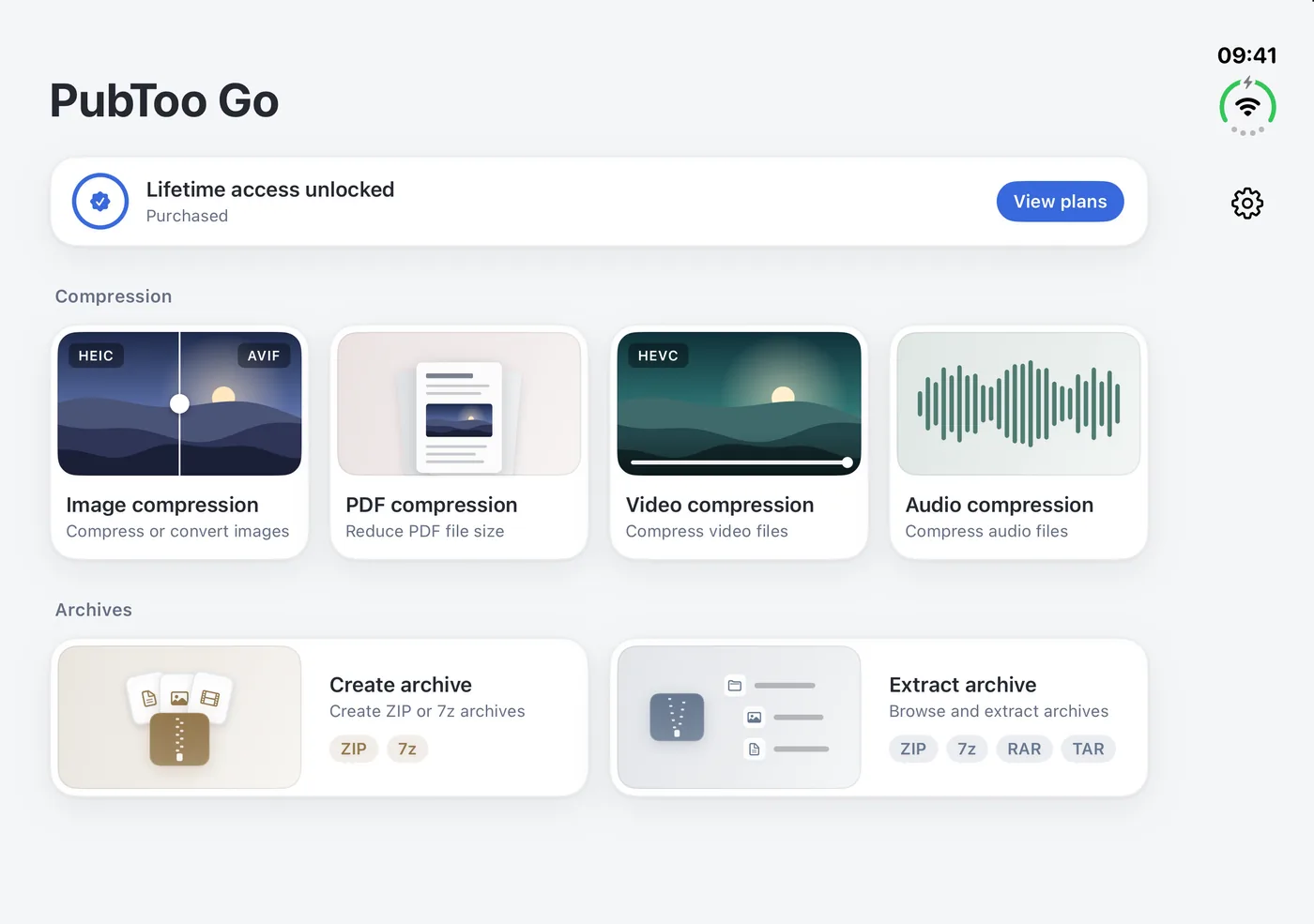
Each file type has its own tool. The four compression tools start on import and update when settings change. You start packing and extraction when you’re ready.
Image compression
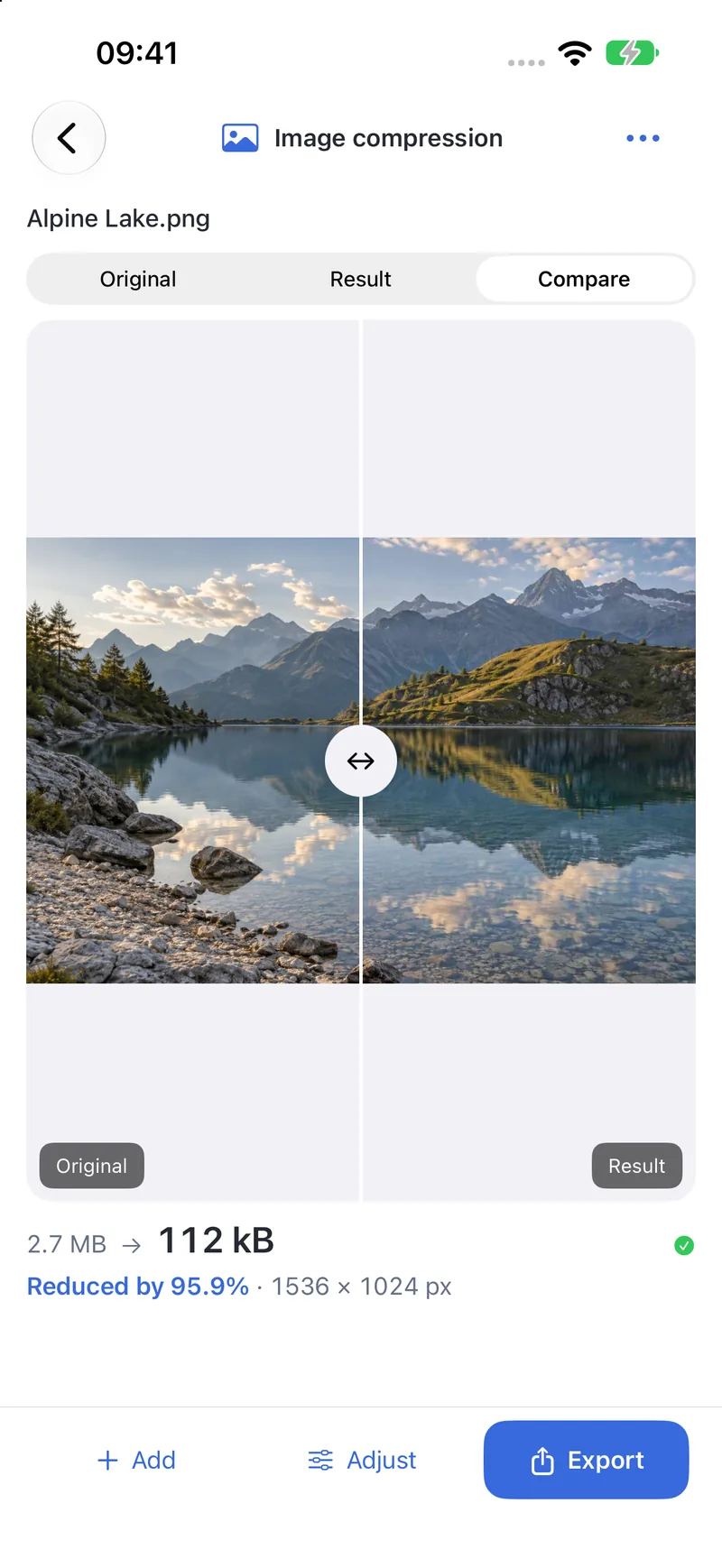
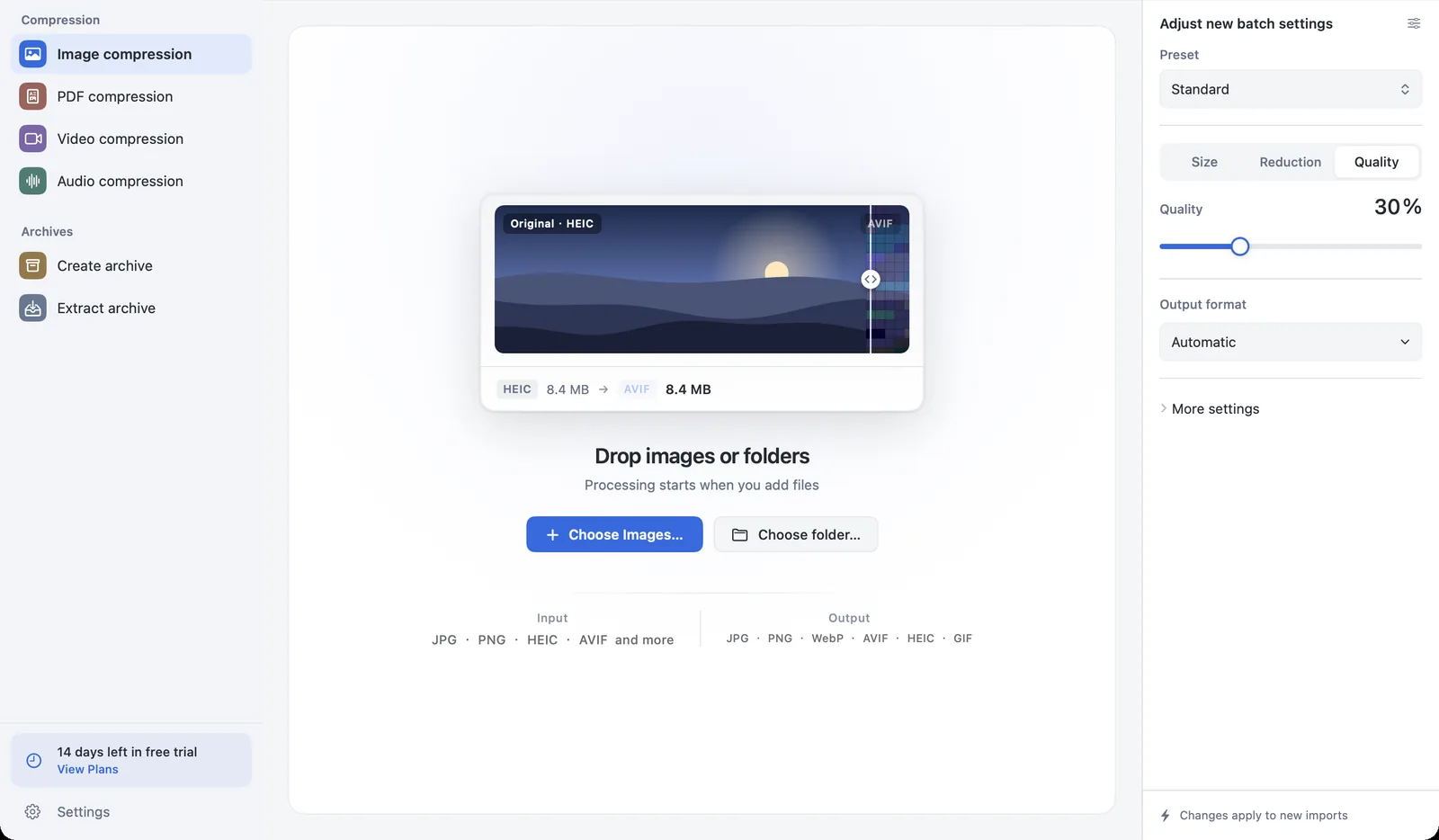
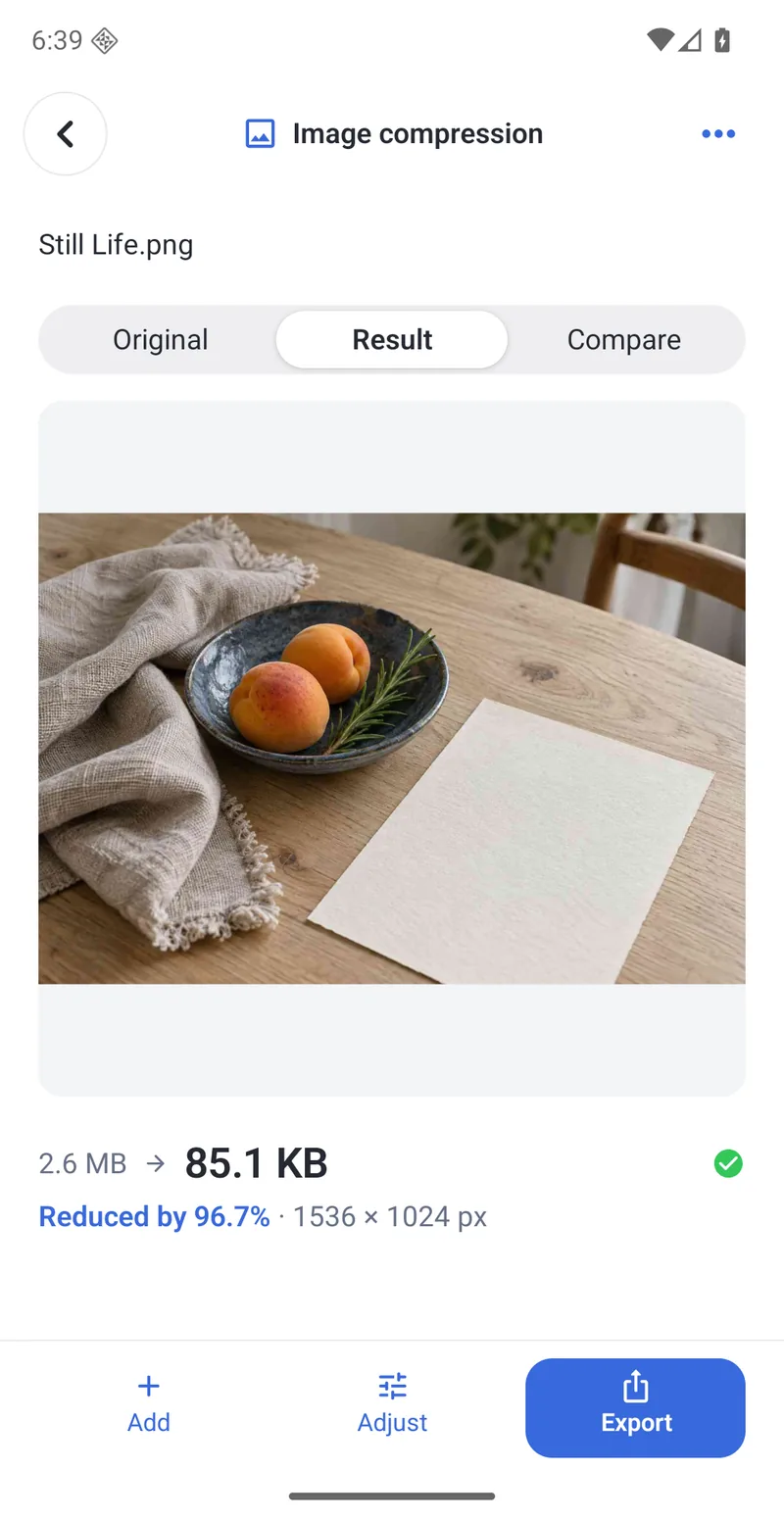
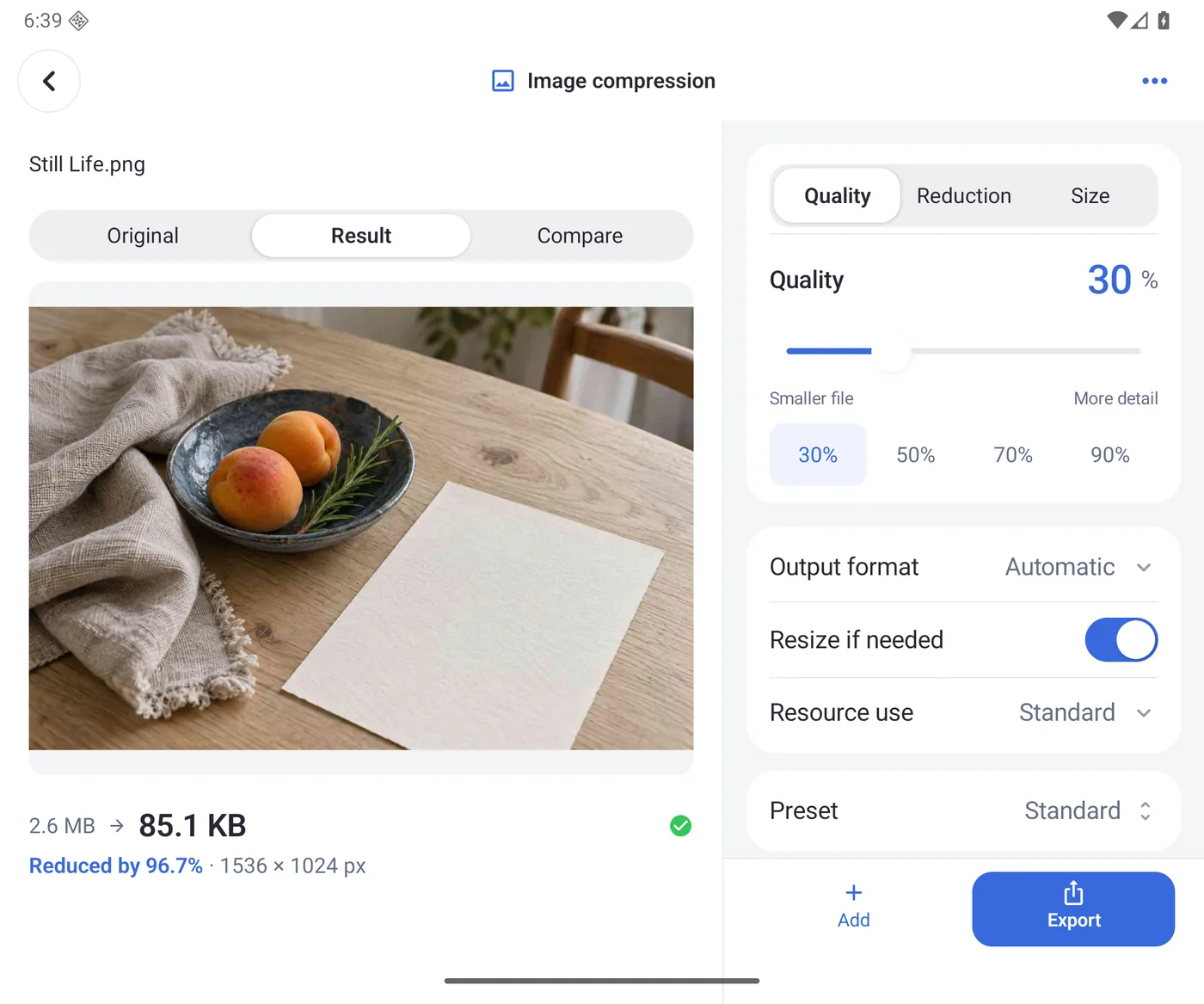
Compress by quality, target size or reduction, and convert between JPEG, HEIC, WebP, AVIF and more.
PubToomacOSPubToo GoiPhone
Starts at 30% quality the moment you drop files in; switch to target size or reduction anytime
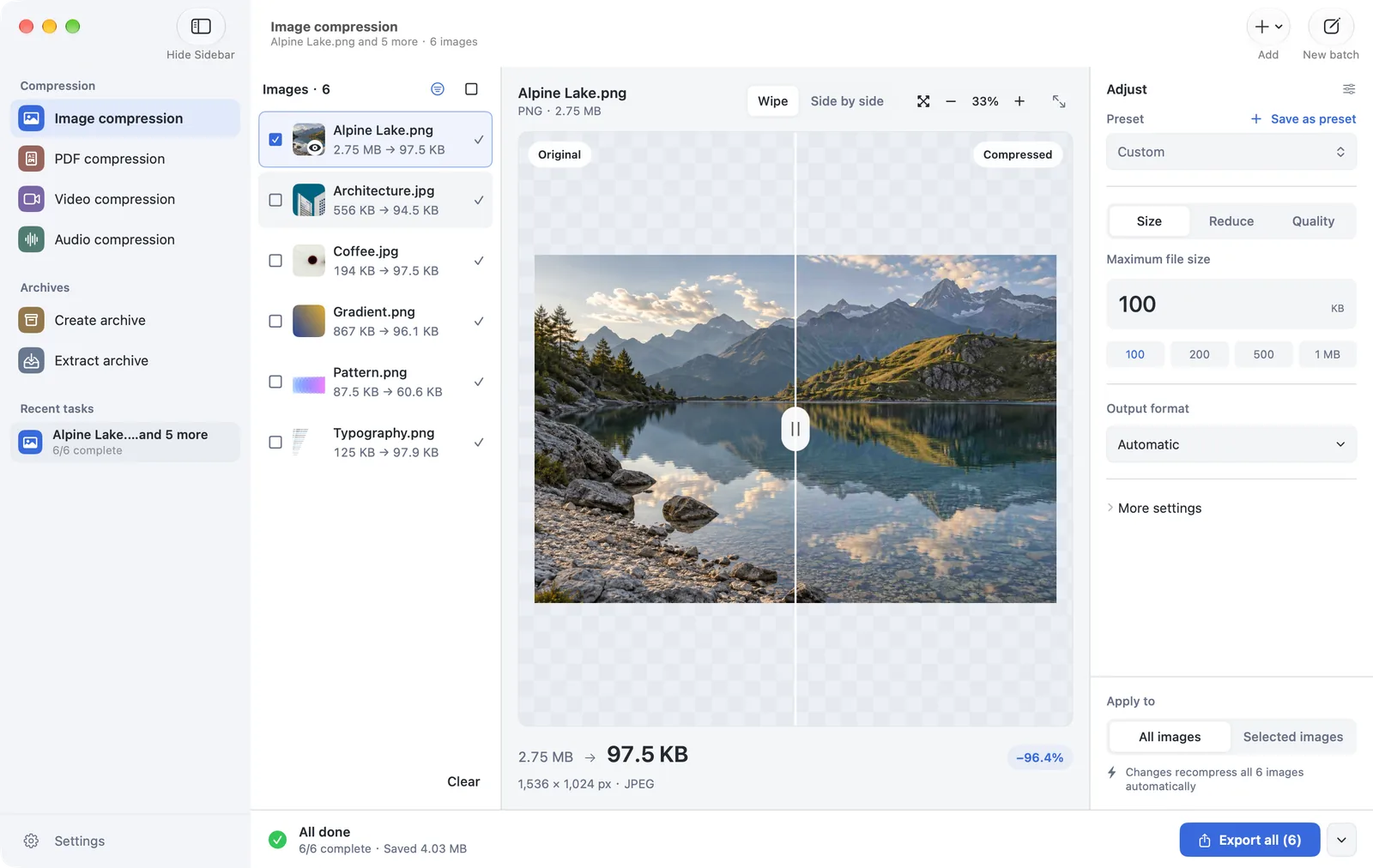
Target size is checked against the exported file’s real byte count, and misses are reported
Animations keep their frames and timing; exports drop location and camera metadata
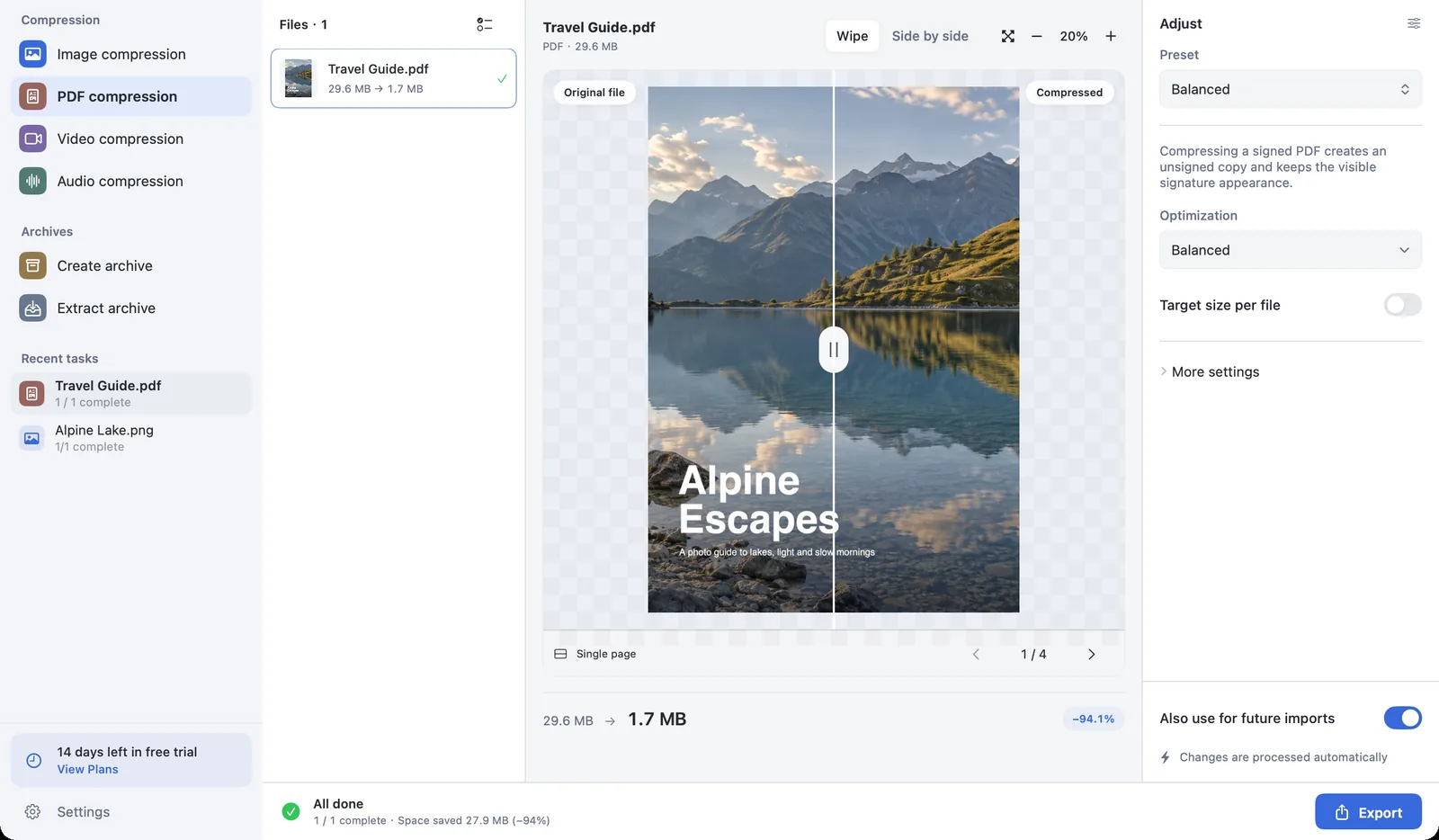
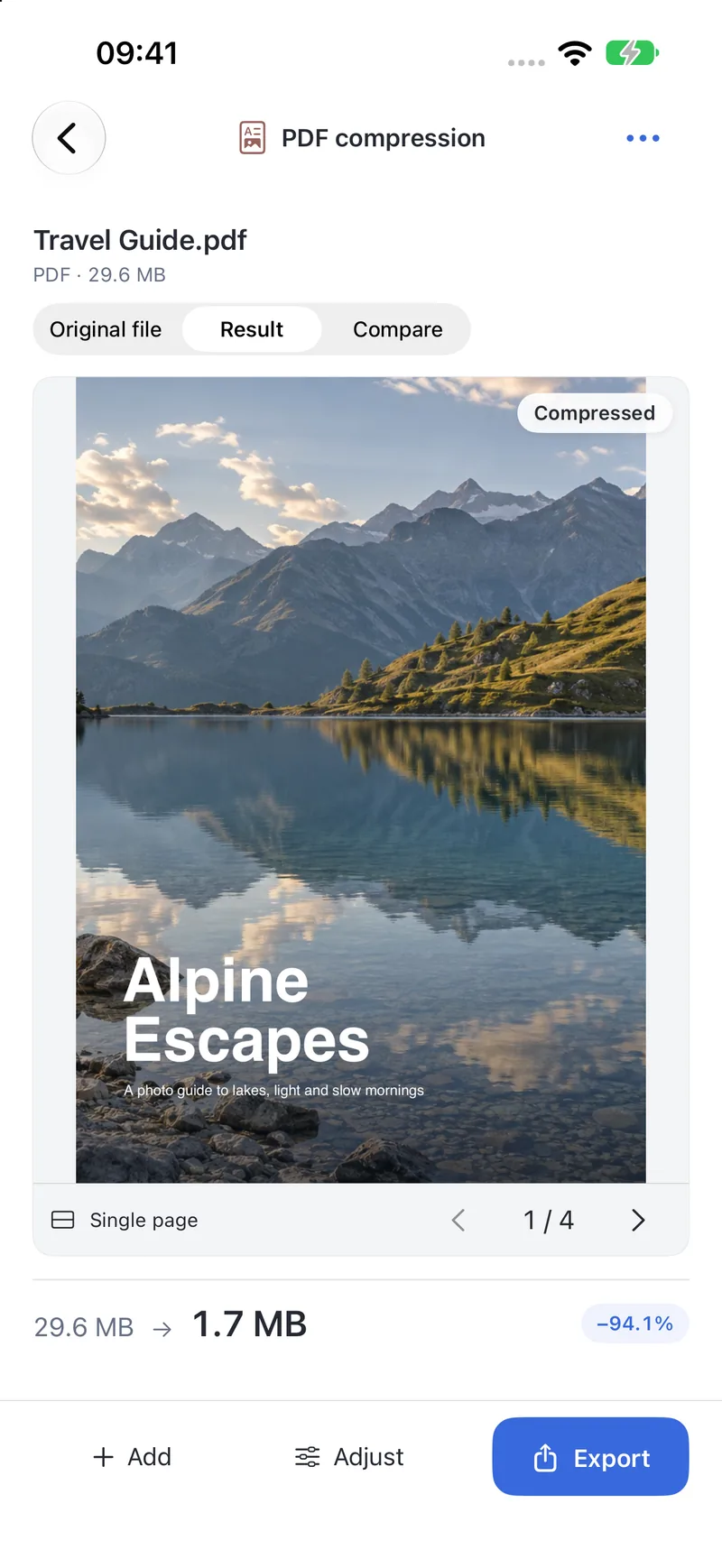
Optimizes the file structure and recompresses embedded images, while text, bookmarks and links keep working.
PubToomacOSPubToo GoiPhone
Lossless, Balanced and Smaller modes
Optional target size for every file
Pages stay intact; signed PDFs export a copy without the digital signature, leaving the original unchanged
Import
PDF
Export
PDF
Video compression
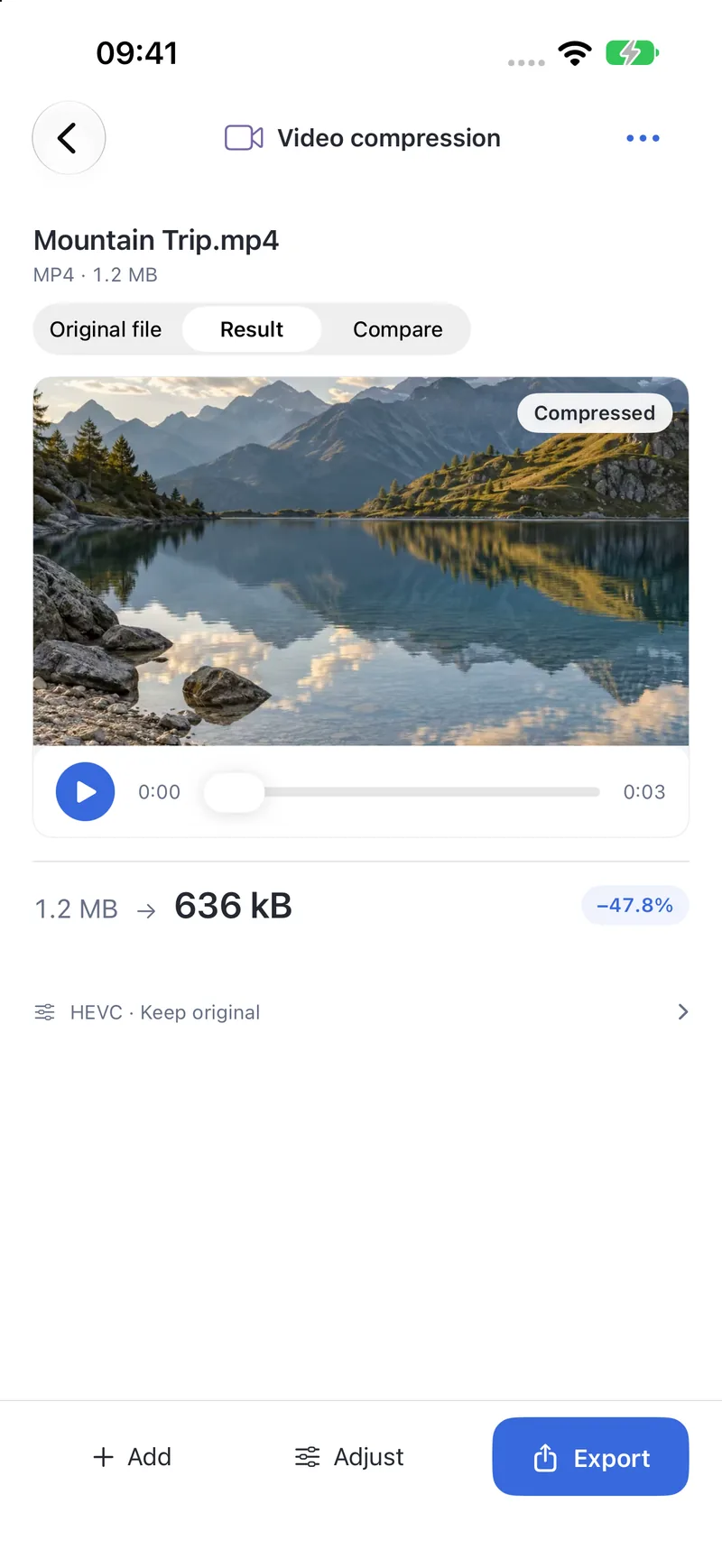
Exports MP4 in H.264 or HEVC, at the original resolution or scaled to 1080p or 720p.
PubToomacOSPubToo GoiPhone
Keeps orientation and timing information
Optional target size for every file
Built-in player with a slide-to-compare view
Import
MP4 · MOV · M4V · 3GP · 3G2
Export
MP4 · H.264 · MP4 · HEVC
Audio compression
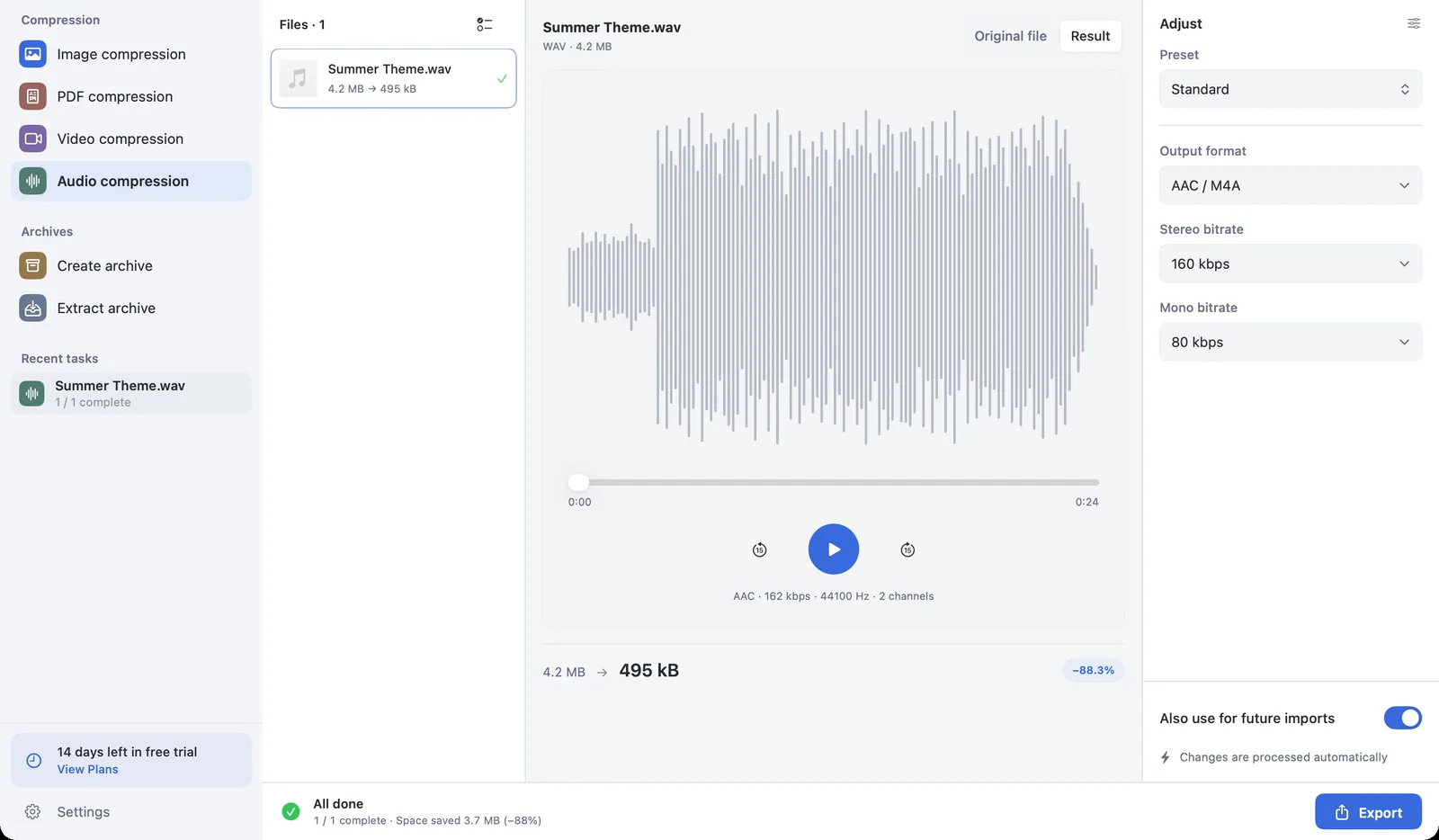
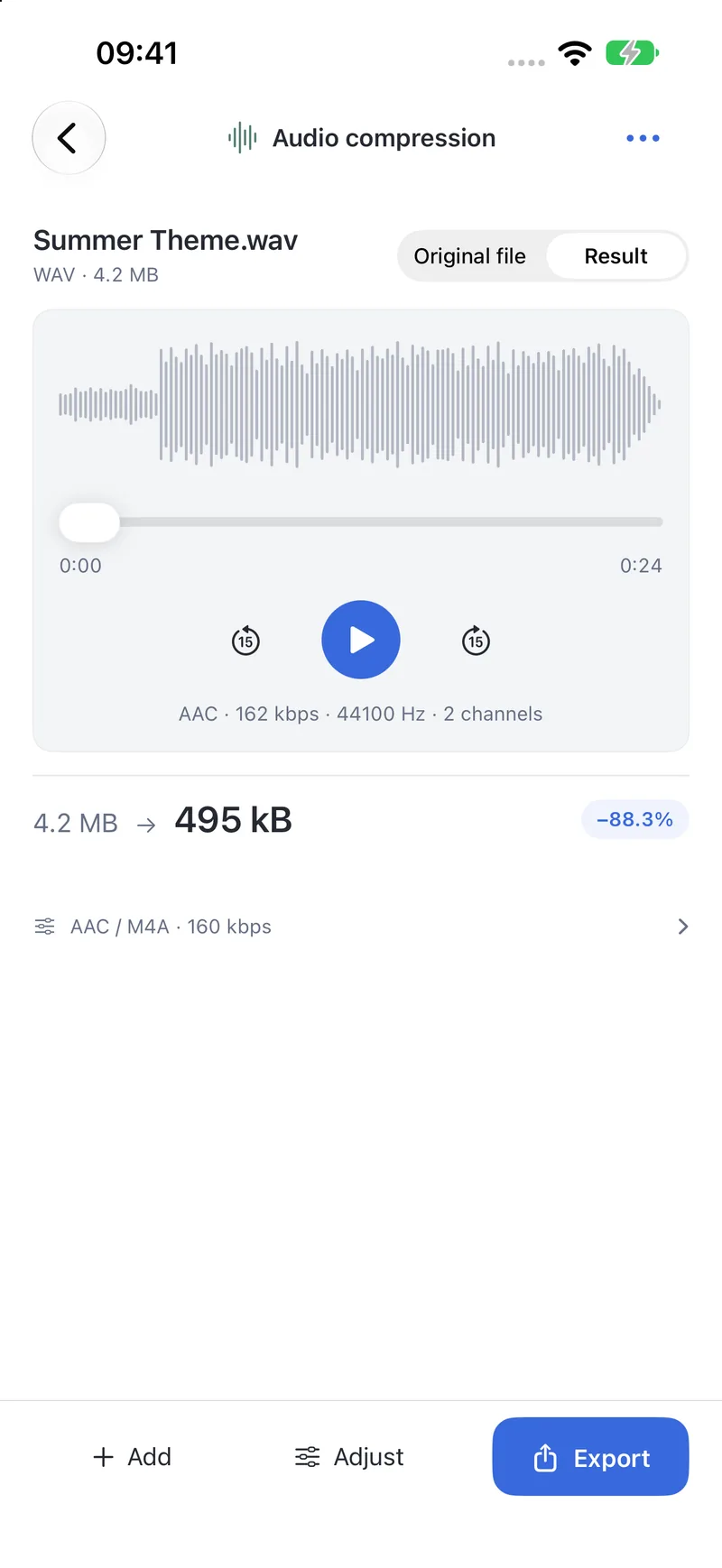
Shrink to AAC (M4A), or convert losslessly to ALAC or FLAC.
PubToomacOSPubToo GoiPhone
Keeps the original sample rate and channels by default
Real waveform view; switch between original and result while listening
Separate bit rates for stereo and mono
Import
MP3 · M4A · AAC · WAV · AIFF · FLAC · Opus and more
Export
AAC (M4A) · ALAC (M4A) · FLAC
Create archive
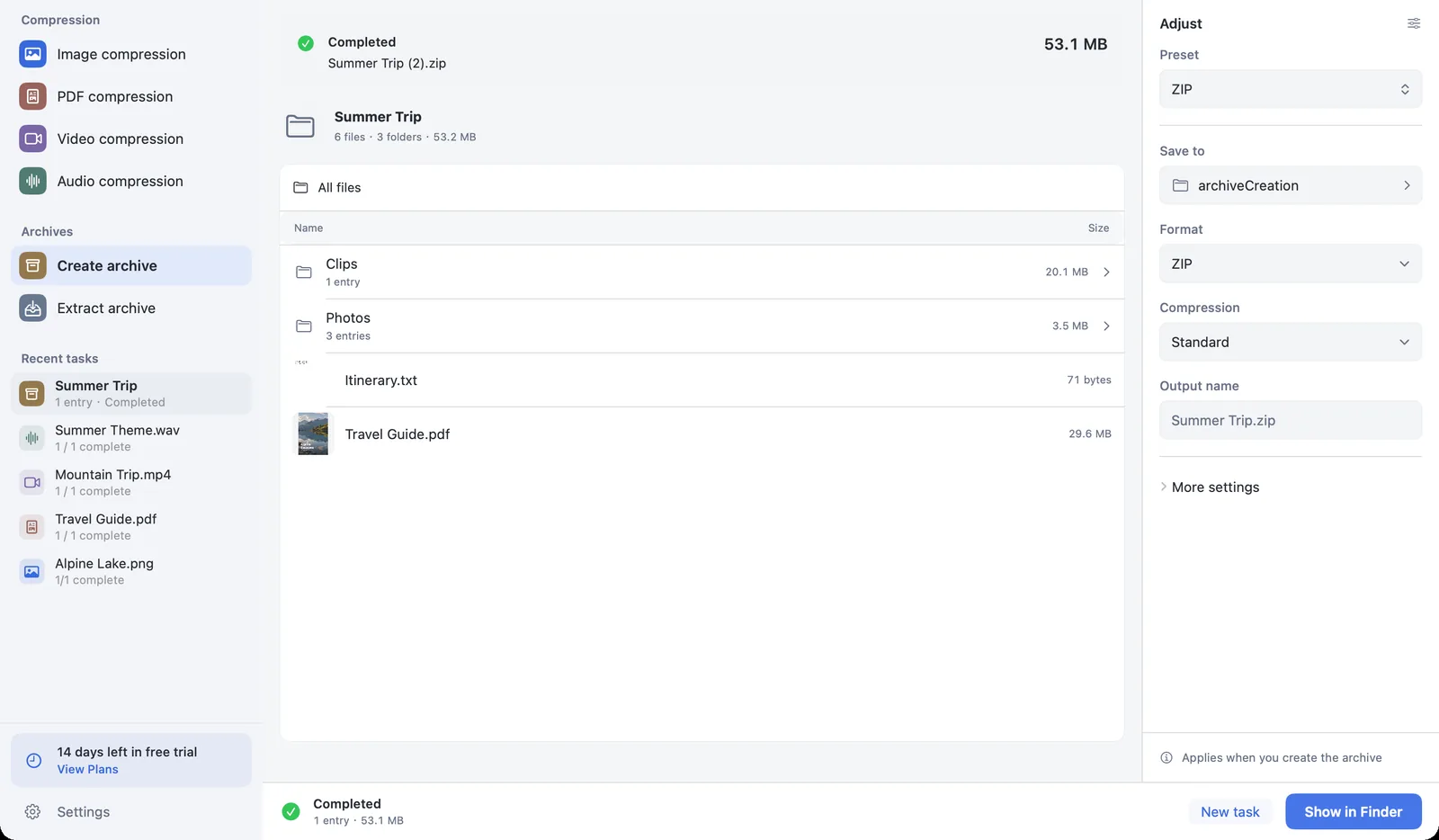
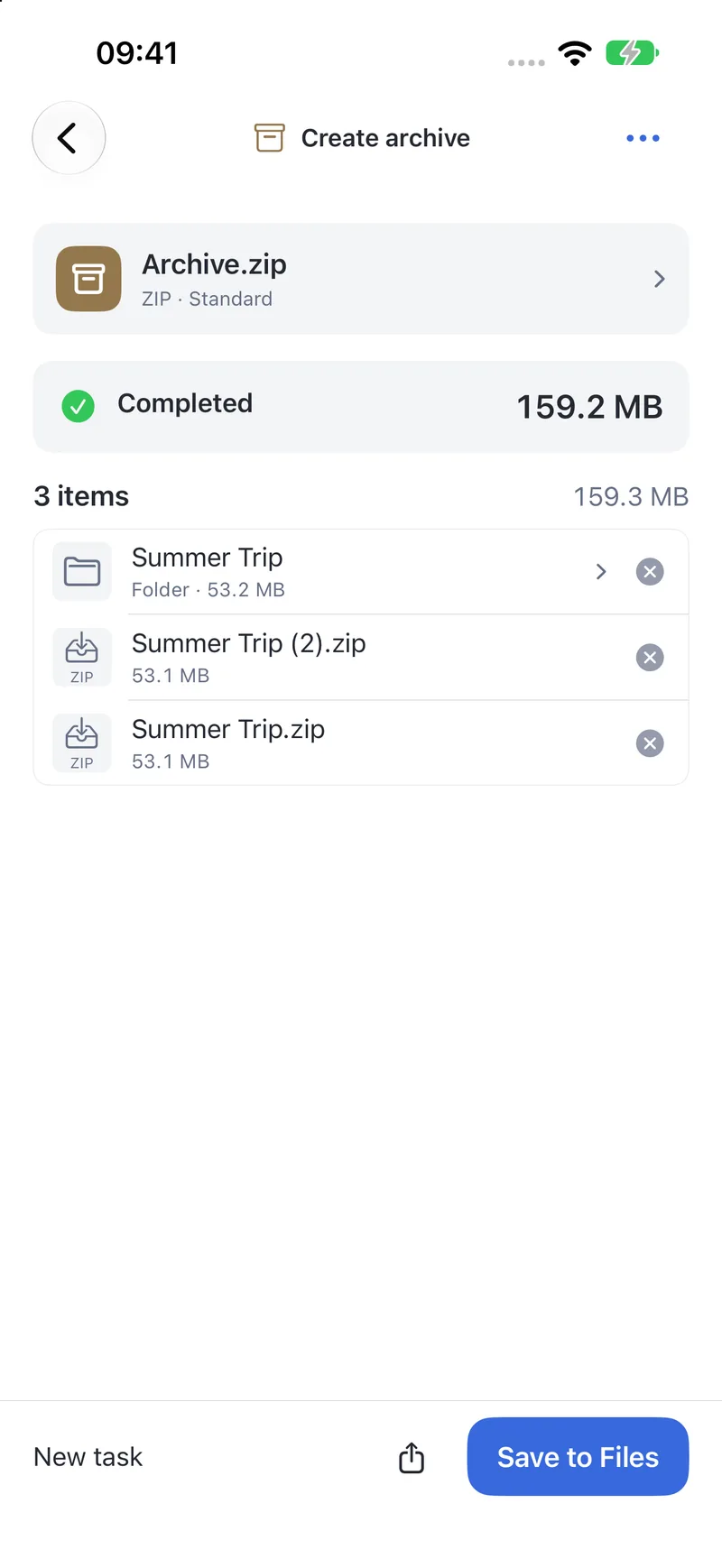
Pack files and folders into ZIP or 7z, with an optional password.
PubToomacOSPubToo GoiPhone
AES-256 password protection for ZIP and 7z
7z can also encrypt file names and split into volumes
Files are stored as-is — nothing inside is altered
Import
Any files and folders
Export
ZIP · 7z
Extract archive
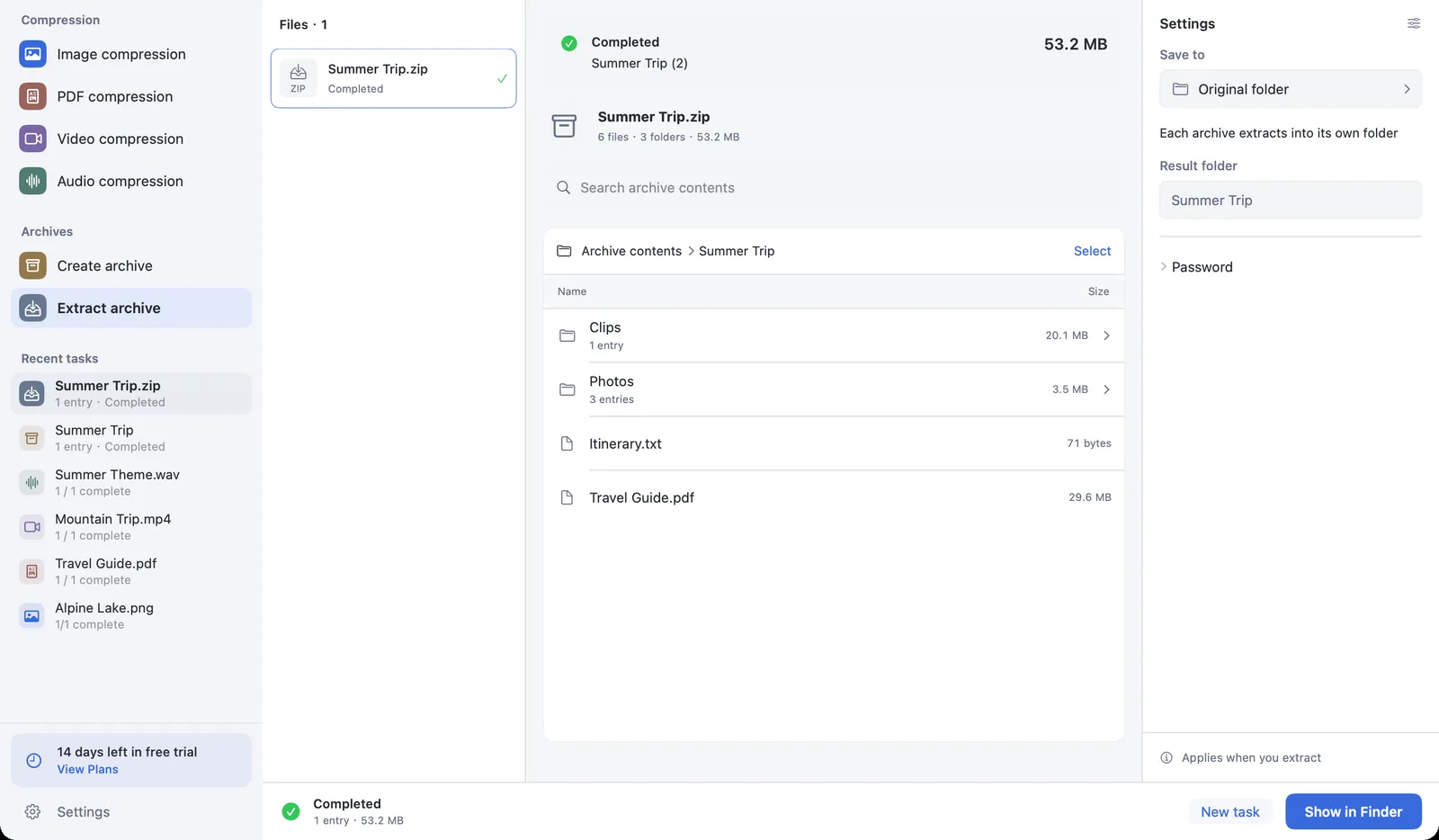
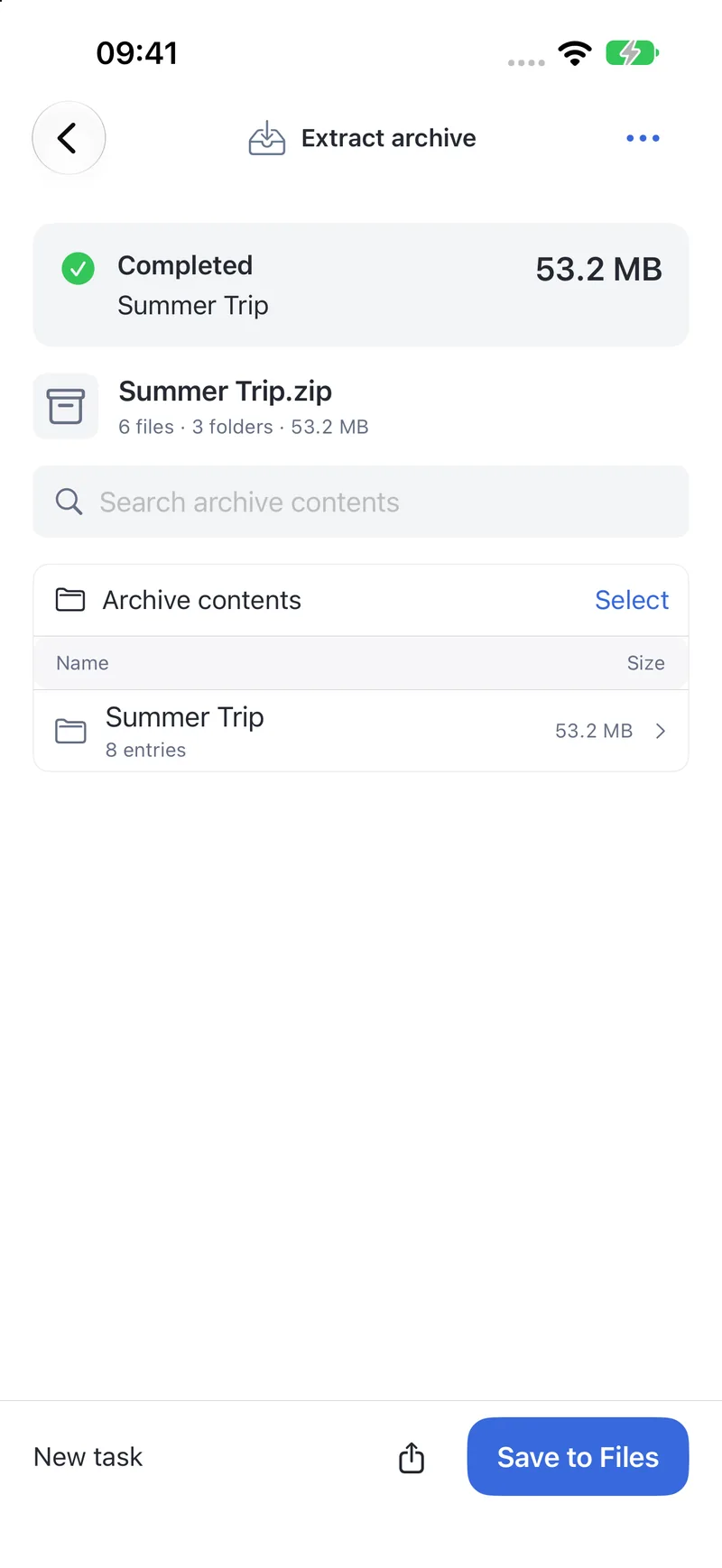
Browse what’s inside an archive, then extract everything or just what you select.
PubToomacOSPubToo GoiPhone
Handles password-protected archives and split 7z volumes
Extracts into a separate folder without overwriting anything
Blocks unsafe paths and asks first when an archive expands unusually large
Import
ZIP · 7z · RAR · TAR · GZ · BZ2 · XZ · LZMA and more
Export
A separate folder
Drop in, check, export
The defaults work out of the box. When you want to fine-tune, you see the result at every step.
01
Drop it in. It starts.
Import files or folders and the four compression tools start with your defaults. Mac supports Finder and Shortcuts; Go supports sharing and Shortcuts; Lite accepts Android system shares.
02
Tweak it. It updates.
Change quality, target size or format and PubToo reprocesses after a brief pause. Save favorite settings as presets.
03
Check it. Then export.
Slide to compare and zoom into the details. Originals stay untouched, duplicates are numbered, folders keep their structure.
Your files stay on your device
Compression, packing and extraction all happen locally. PubToo needs no account, and there is no server to receive your files.
Explore real Go and Lite interfaces on folded phones, expanded screens and tablets
iPhone Duo
FoldedUnfolded
Android foldable
FoldedUnfolded
Try it free for 14 days
Free to download, with a 14-day free trial the first time you use it. The trial never charges you automatically — afterwards, pick a subscription or buy it once.
U.S. prices in U.S. dollars. Confirm your local price in the App Store or Google Play before purchasing.
PubToo, PubToo Go and PubToo Lite are purchased separately. One Go purchase covers iPhone and iPad on the same Apple Account.
Subscriptions renew automatically. Cancel in the store you purchased from; that store handles payments and refunds.
The Mac and Go editions are currently not sold on the App Store in France.
Good to know
Are my files uploaded anywhere?
No. Compression, packing and extraction all happen on your device. PubToo has no account system and contains no advertising, analytics or tracking SDKs.
Will it change or overwrite my originals?
No. Results are exported as new files. Duplicate names are numbered automatically, and your folder structure is kept by default.
Will I be charged when the trial ends?
No. After the 14-day app trial, you choose whether to subscribe or buy lifetime access. Only a purchased subscription renews automatically; cancel it in the store you purchased from.
Does one purchase cover all three editions?
Mac, Go and Lite are purchased separately. One Go purchase covers iPhone and iPad on the same Apple Account. Apple and Google Play purchases do not transfer between stores.
Will it always hit my target size?
PubToo checks the exported file’s real byte count. If a target can’t be reached, it tells you, so you can raise the limit or allow resizing. It never hands you a file that’s over the limit.
Do I need an internet connection?
File processing happens on your device. Purchases, restores and subscription checks need the relevant store. Lite subscriptions also need periodic online verification.
Lighter files, less hassle
PubToo, PubToo Go and PubToo Lite. Free download, 14-day app trial.